 CRYPTOGRAPH™
CRYPTOGRAPH™
CRYPTOGRAPH™
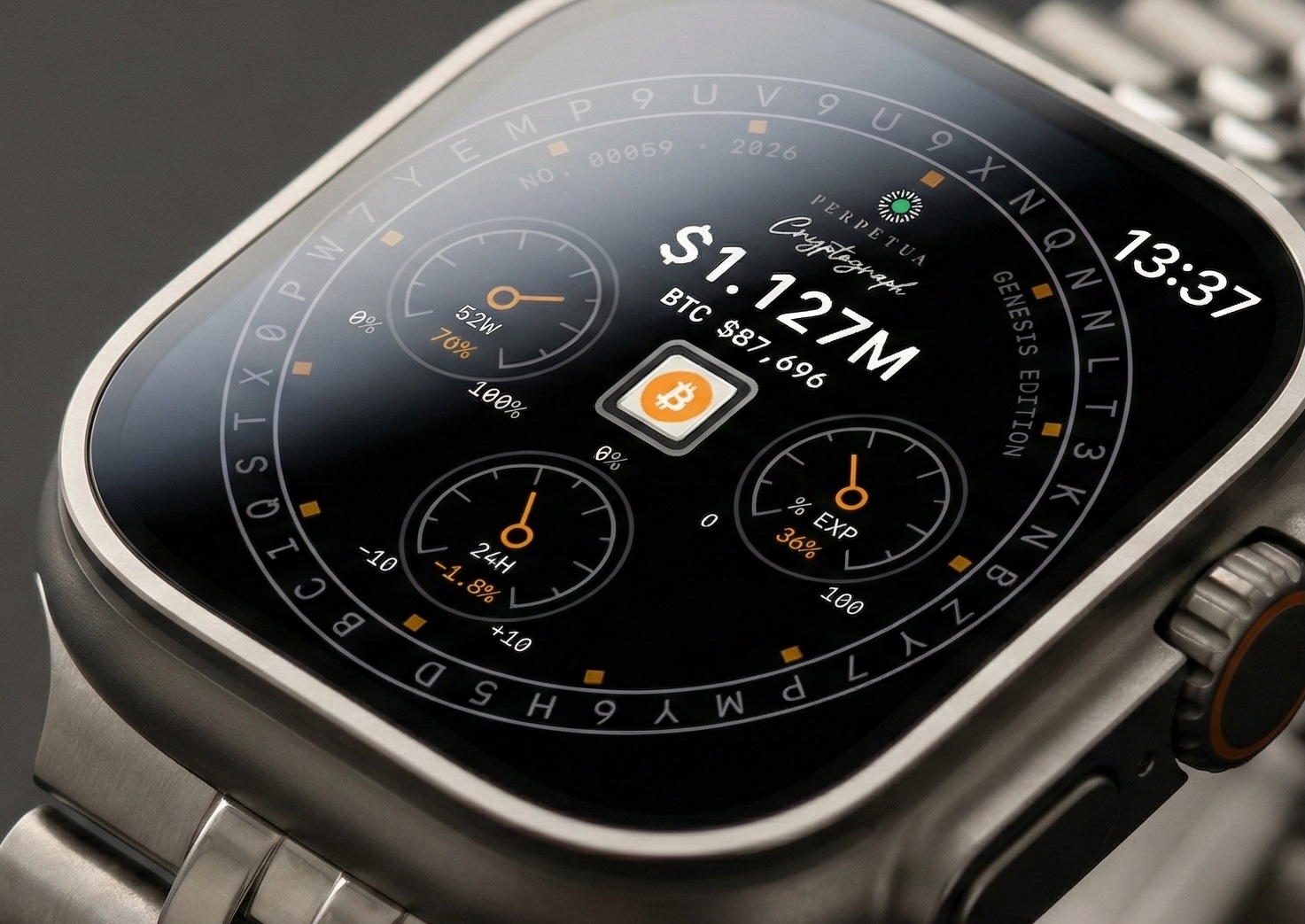
Keys stay on Apple Watch, secured by Apple's Secure Enclave. You approve every transfer from your wrist.
Buy on the App Store$79.99. One purchase. Requires an Apple Watch capable of running watchOS 11 or later, paired with an iPhone running iOS 18 or later.
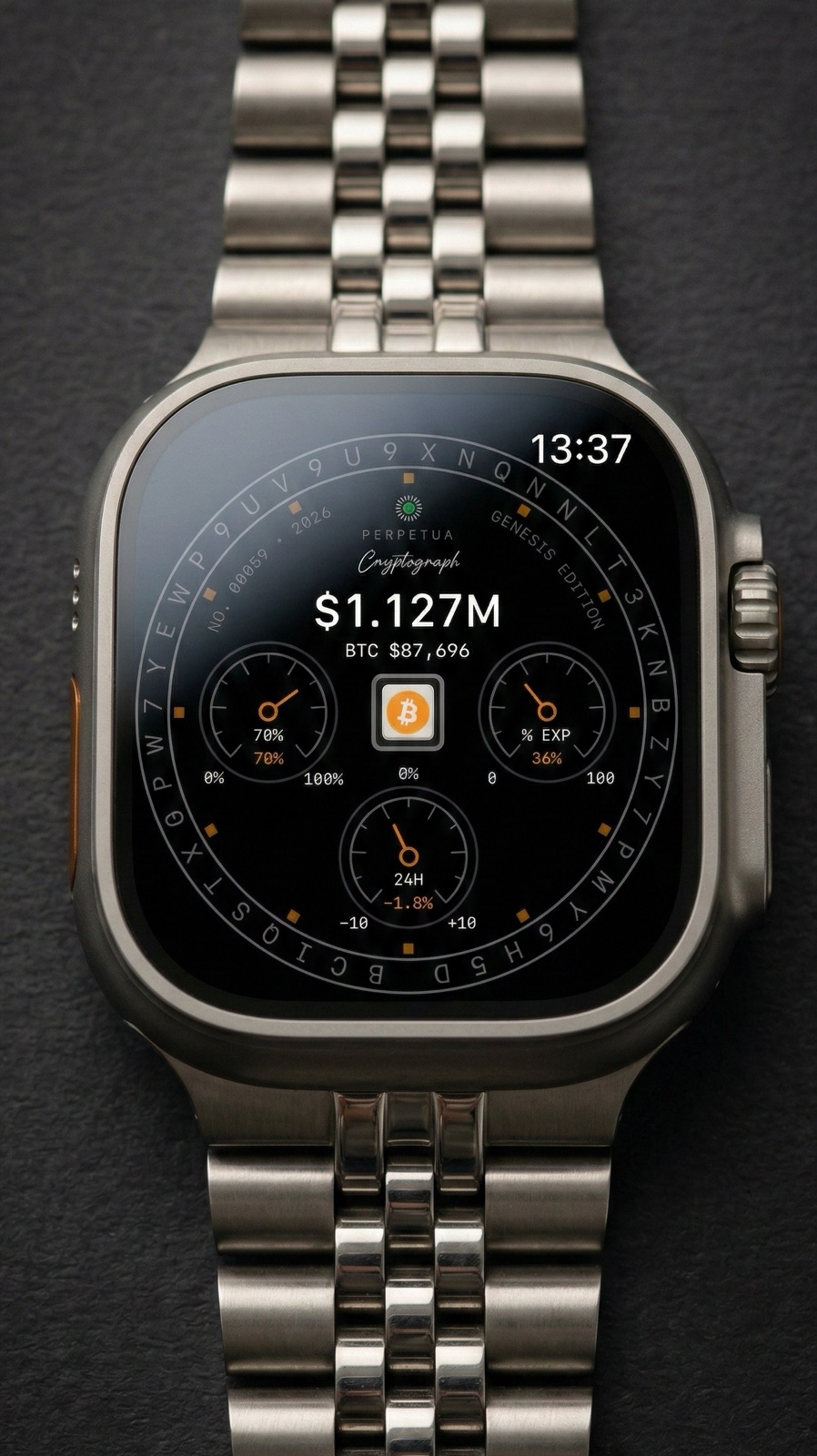
Keys on the Watch
Your keys stay on Apple Watch, and every approval happens there.
The iPhone shows your portfolio and prepares each transfer, but it cannot sign one.
How the separation works →
Why the iPhone holds no keys →
Why not use a dedicated hardware wallet? →
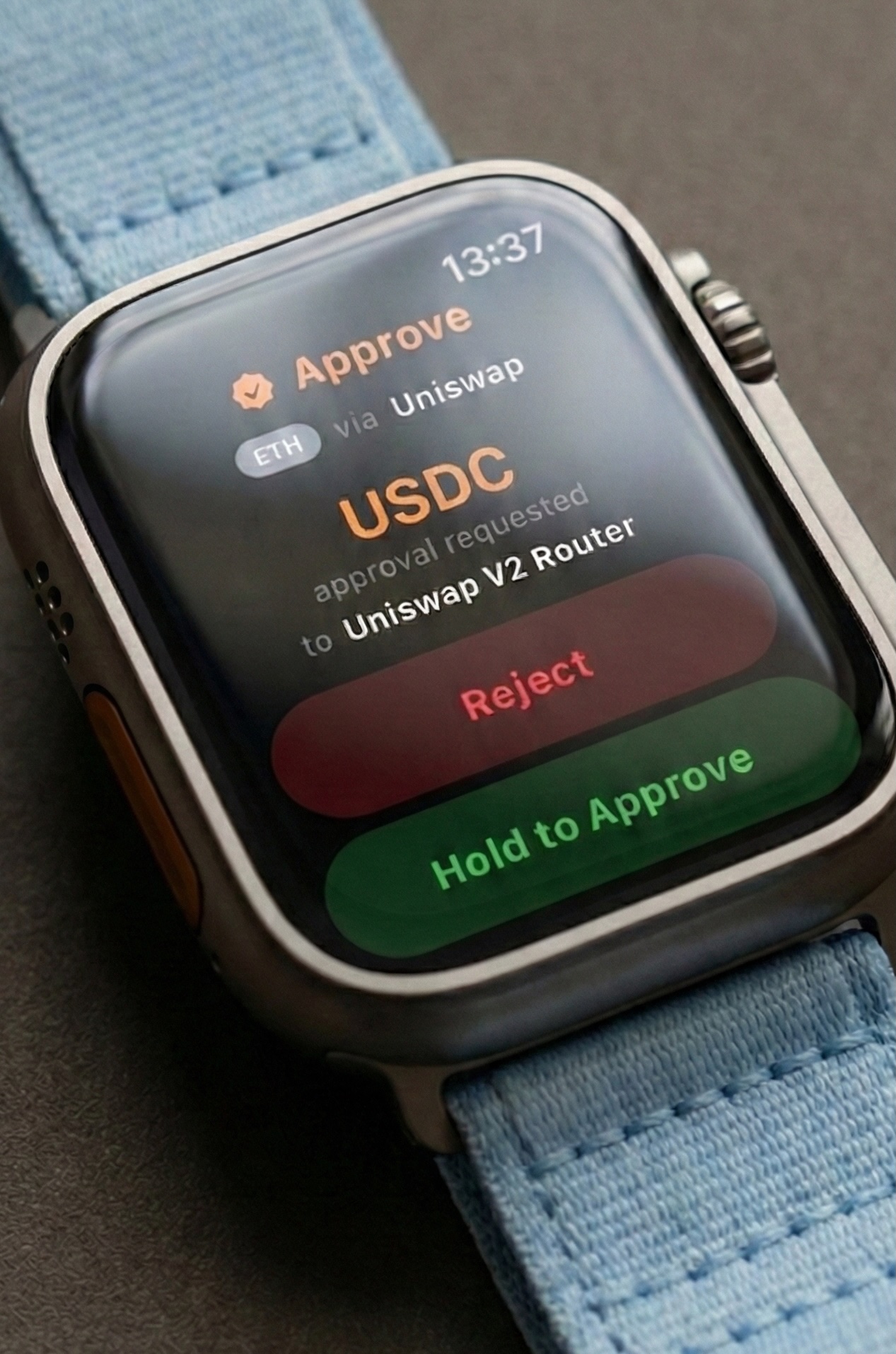
Before You Approve
The watch reads each request itself and shows it in plain language: amounts, addresses, token approvals, and contract actions.
Hold to approve. Tap to reject.
Read the transaction guide →
Seven hacks Cryptograph was built to stop →
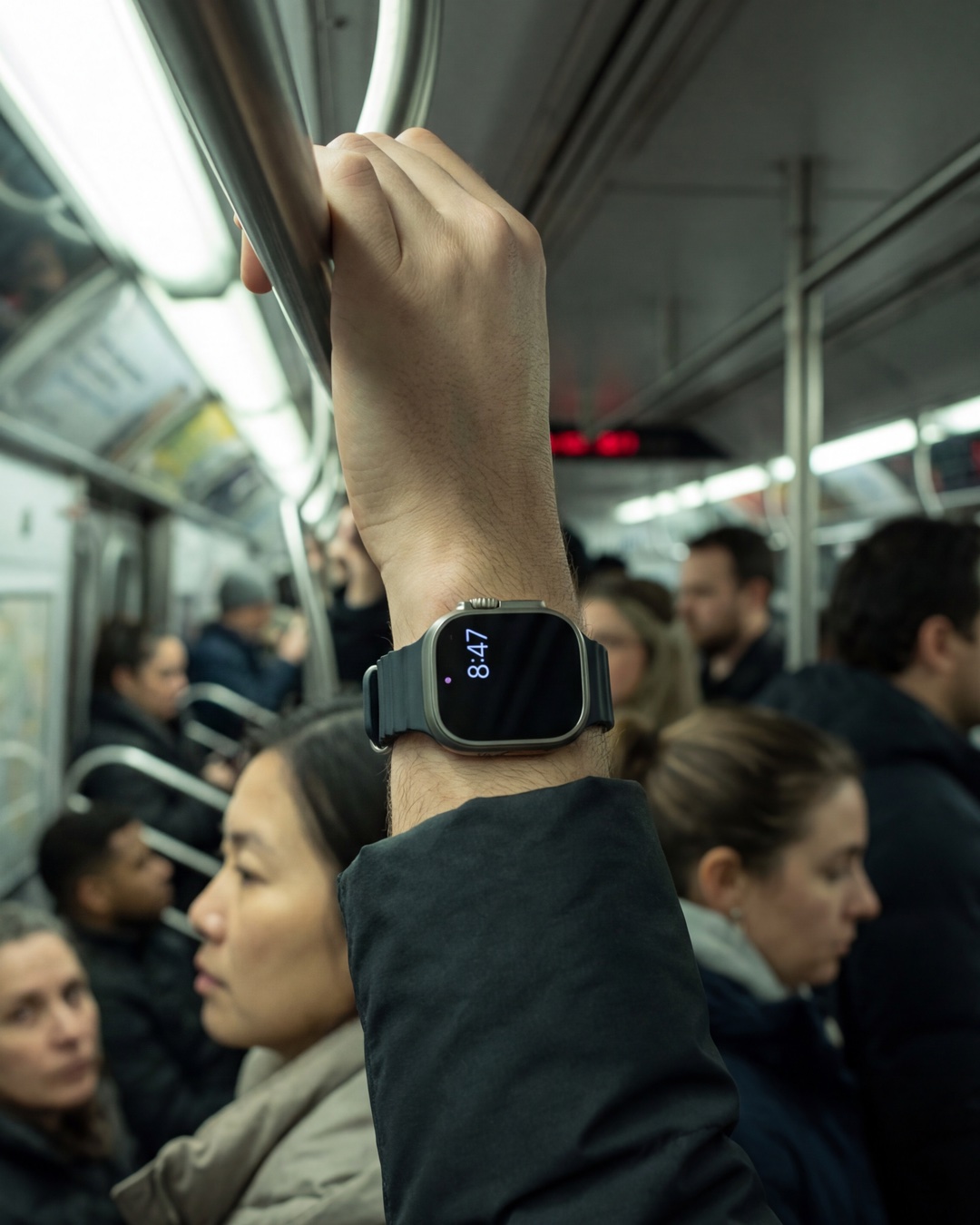
No Account Required
No account. No email. No name, address, or phone number. The app contains no analytics or trackers.
You buy Cryptograph from Apple and nothing ships to your door, so there is no customer database to hack.
Recovery
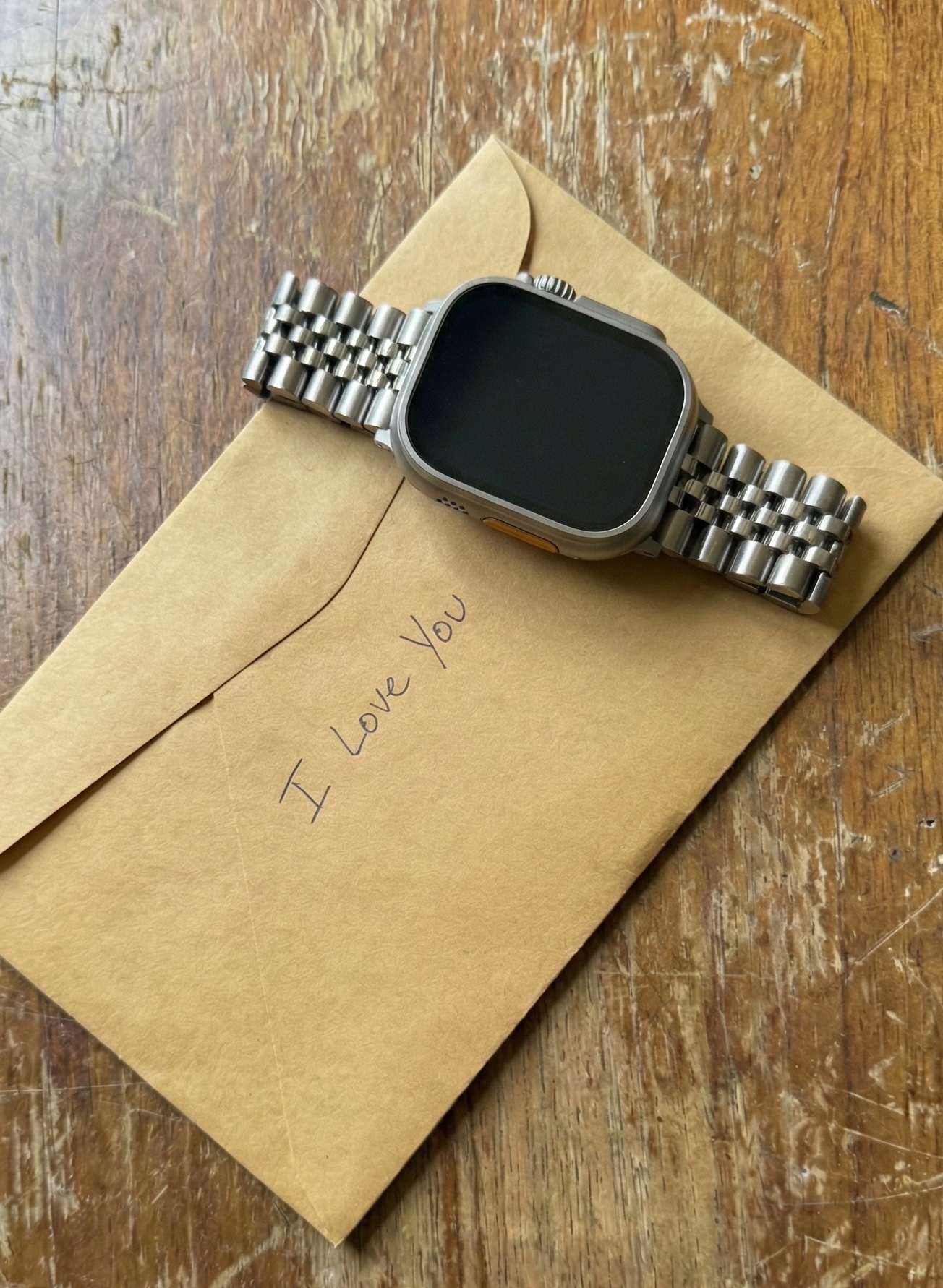
The Recovery Sheet prints an encrypted QR code that only your PIN or passphrase opens, so the paper alone gives nothing away.
Photo Backup hides a second copy inside an ordinary photograph, so you can store it anywhere you keep pictures.
Both are encrypted on the watch before they leave it, and either one restores your wallet onto another compatible Apple Watch.
Read the recovery guide →
Complications and Widgets
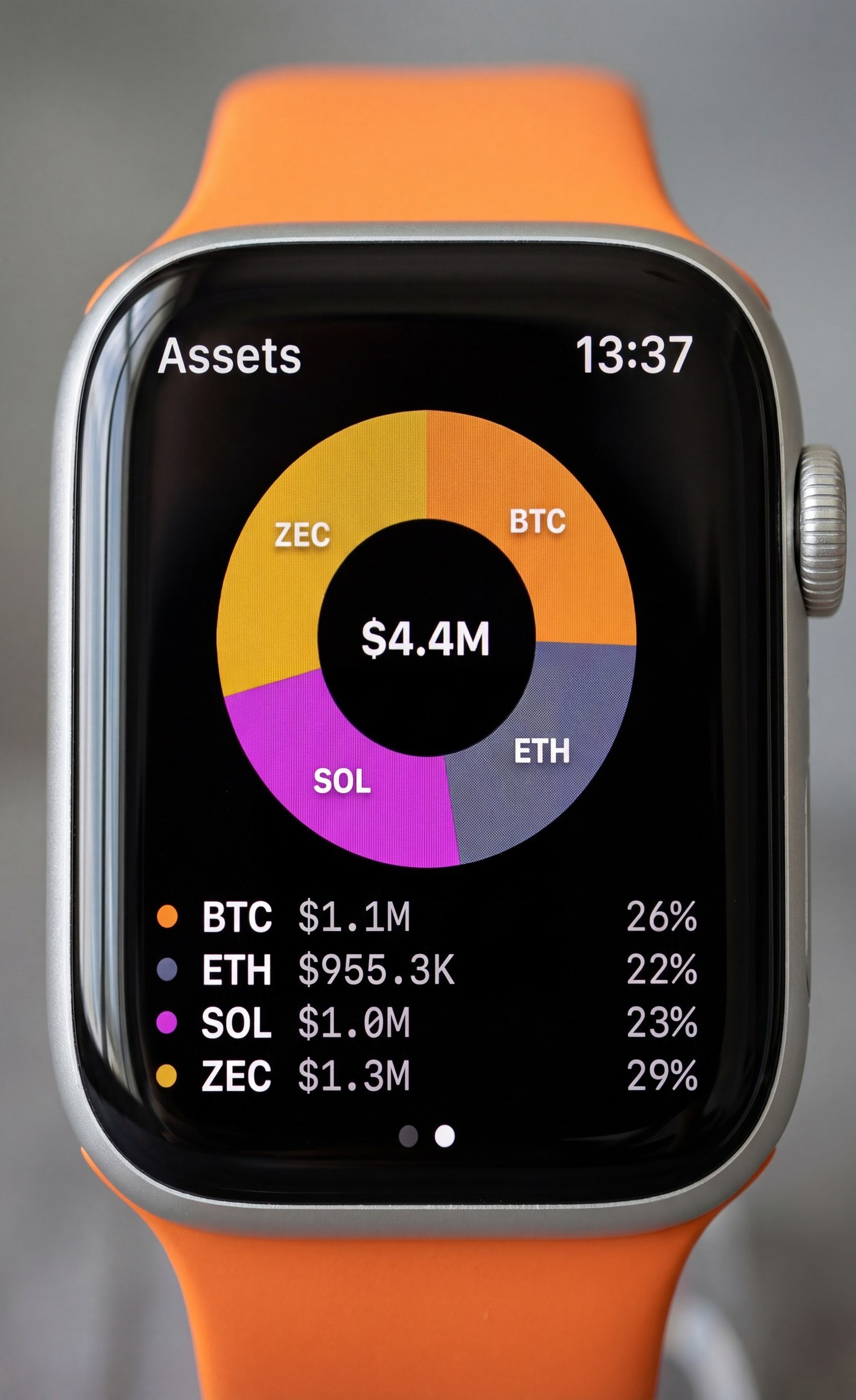
Complications and widgets keep prices, allocation, and recent movement close without asking for your attention.
Discreet mode hides the numbers, on the watch face and in the widgets.
See supported networks →
Read the watch guide →